Chromatic Aberration
Mimics lens dispersion by offsetting the red and blue color channels in opposite directions, leaving the green channel in place. Produces the familiar color fringing seen on cheap lenses or analog video.
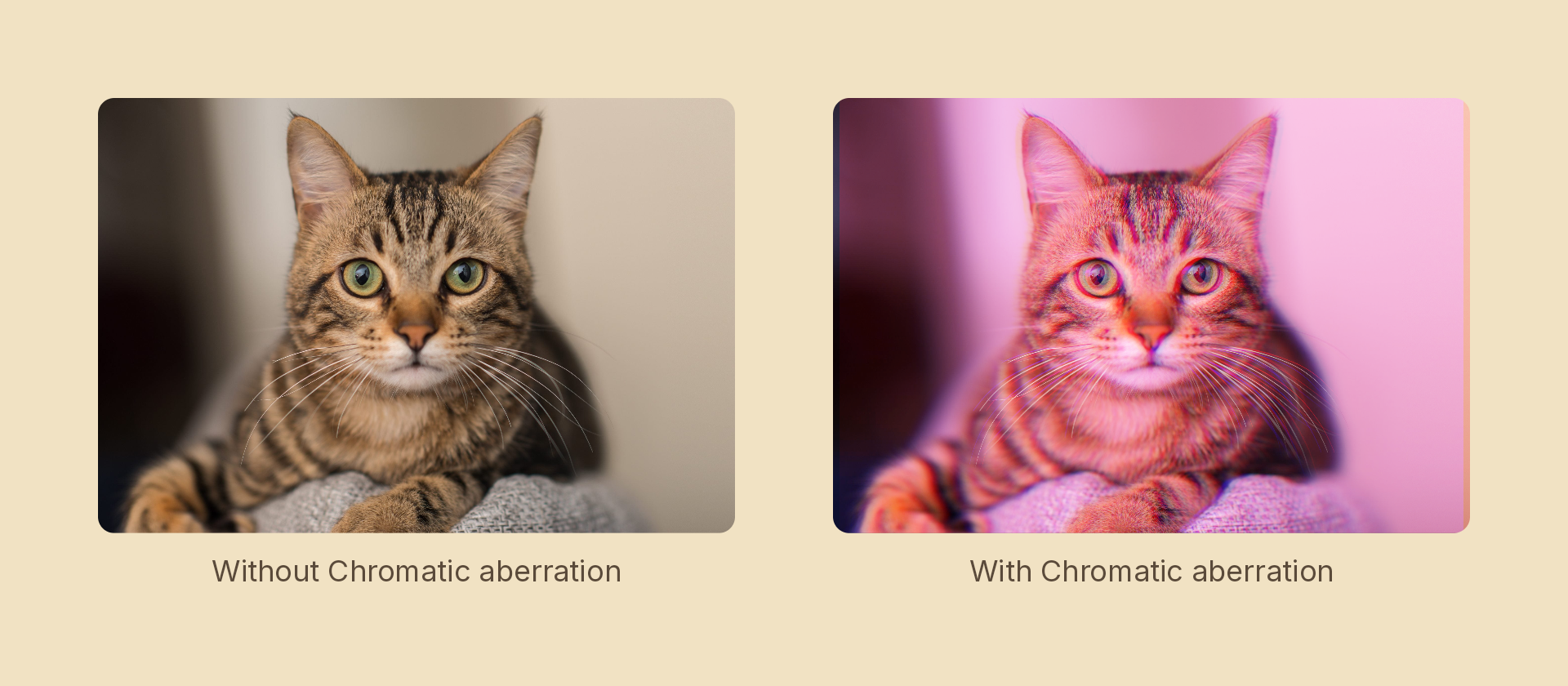
Usage
import { Effects } from '@motion-script/core';

// Default: 4px horizontal offset
<Rect effects={Effects.chromaticAberration()} />

// Custom offset and angle
<Rect effects={Effects.chromaticAberration({ amount: 8, angle: 45 })} />

// Raw object
<Rect effects={[{ type: 'chromaticAberration', amount: 6, angle: 0 }]} />
Props
| Prop | Type | Default | Description |
|---|---|---|---|
type | 'chromaticAberration' | – | Effect identifier |
amount | number | 4 | Pixel offset distance for the R/B channel fringe |
angle | number | 0 | Fringe direction in degrees: 0 = horizontal (R right, B left), 90 = vertical |
mode | 'foreground' | 'backdrop' | 'foreground' | 'backdrop' fringes the content beneath the node, clipped to its silhouette, leaving the node's own content untouched |
Animating
import { createScene, Rect, Effects, tween, lerpNumber, easeOut } from '@motion-script/core';

export default createScene(function* (stage) {
  const img = new Rect({
    width: 600,
    height: 400,
    fill: { type: 'image', src: './photo.jpg', fit: 'fill' },
  });
  img.set({ effects: Effects.chromaticAberration(0) });
  stage.add(img);

  yield* tween(0.8, (t) => {
    img.set({ effects: Effects.chromaticAberration(lerpNumber(0, 12, easeOut(t))) });
  });
});
Stacking with other effects
// Retro lens combo
<Rect effects={Effects.bulge(0.3).chromaticAberration(6)} />

// VHS-style
<Rect effects={Effects.vintage(0.8).chromaticAberration(5, 90)} />