Blur
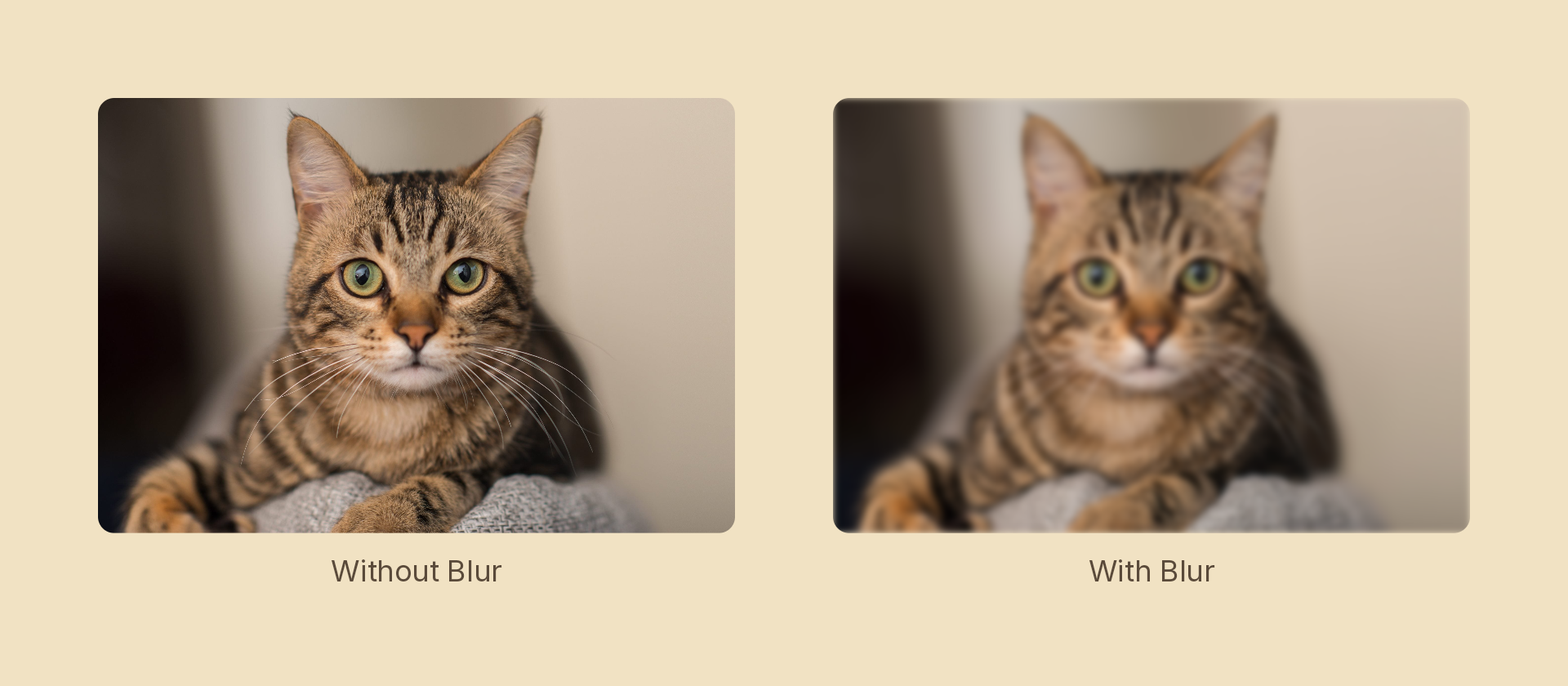
Applies a Gaussian blur to any node. The effect covers the entire node including its children.
Usage
import { Effects } from '@motion-script/core';

// Via Effects builder
<Rect width={400} height={300} fill="royalblue" effects={Effects.blur(12)} />

// Via raw object
<Rect width={400} height={300} fill="royalblue" effects={[{ type: 'blur', radius: 12 }]} />
Props
| Prop | Type | Default | Description |
|---|---|---|---|
type | 'blur' | – | Effect identifier |
radius | number | – | Gaussian blur radius in pixels |
mode | 'foreground' | 'backdrop' | 'foreground' | 'backdrop' blurs the content beneath the node, clipped to its silhouette, leaving the node's own content untouched |
Animating
Animate the radius inside a tween callback to create focus or defocus effects:
import { createScene, Rect, Effects, tween, lerpNumber, easeOut } from '@motion-script/core';

export default createScene(function* (stage) {
  const card = new Rect({ width: 400, height: 300, fill: '#1e293b' });
  card.set({ effects: Effects.blur(30) });
  stage.add(card);

  // Focus in over 1 second
  yield* tween(1, (t) => {
    card.set({ effects: Effects.blur(lerpNumber(30, 0, easeOut(t))) });
  });
});
Stacking with other effects
// Blur then grayscale
<Rect effects={Effects.blur(6).grayscale(0.8)} />

// Blur with pixelate
<Rect effects={Effects.pixelate(40).blur(4)} />